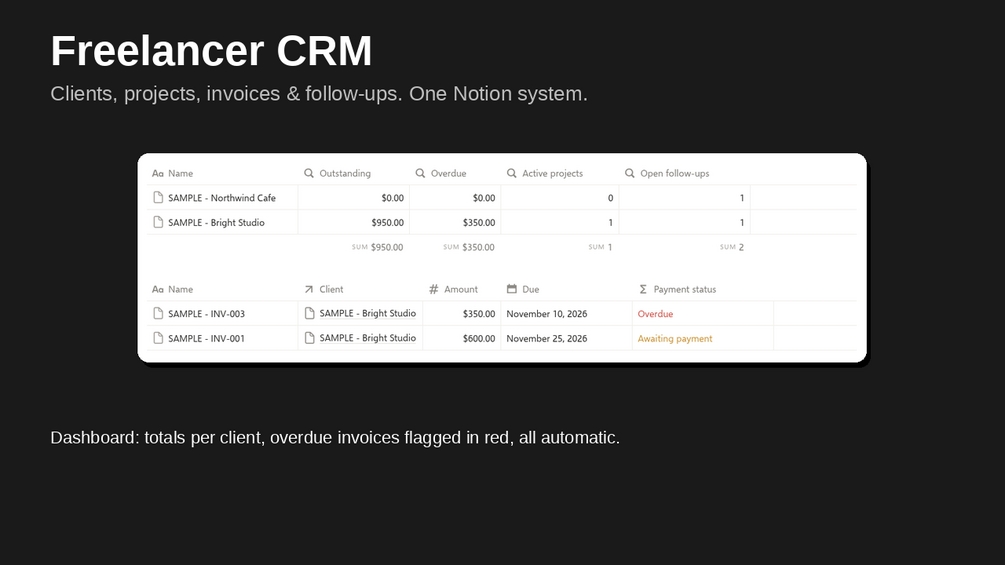
Freelancer CRM
$12Clients, projects, invoices and follow-ups in one linked system. Overdue invoices flag themselves.
View on Gumroad →Notion systems for freelancers
Four ready-to-use Notion systems: CRM, lead pipeline, expenses and tax prep, and client files. Duplicate one, and it starts working in minutes.
One-time payment · Works with Notion's free plan · Set up in minutes
The library
Duplicate a template, follow the 5-minute guide, and it starts working for you from day one.
Clients, projects, invoices and follow-ups in one linked system. Overdue invoices flag themselves.
View on Gumroad →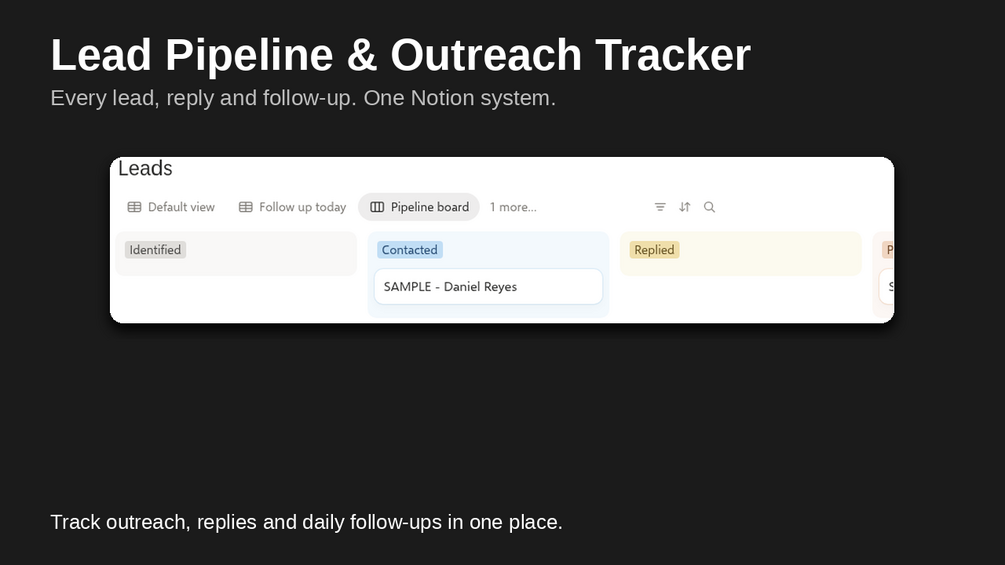
Track every lead and the next follow-up date, so no outreach ever goes cold.
View on Gumroad →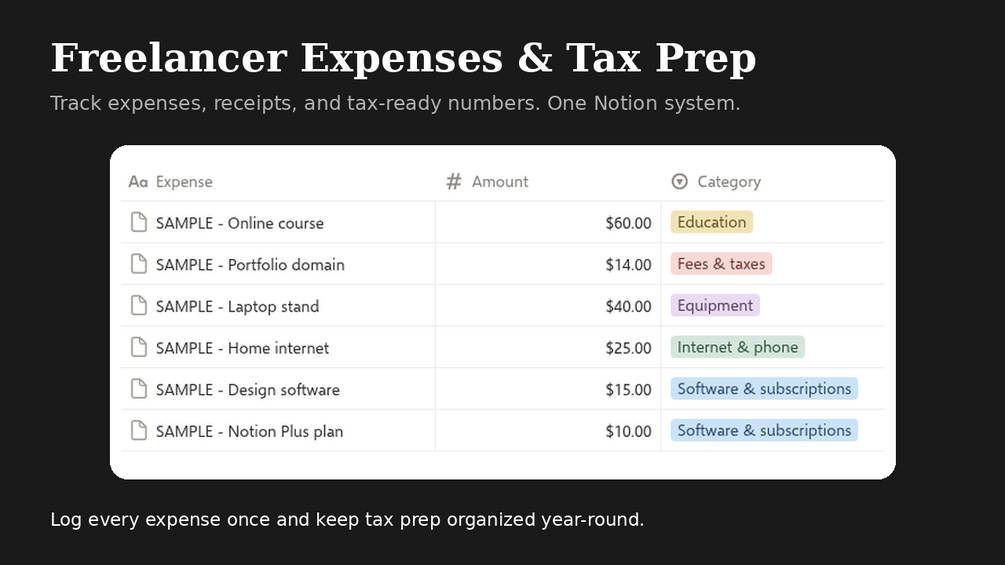
Log expenses once, tag what's deductible, and walk into tax season ready.
View on Gumroad →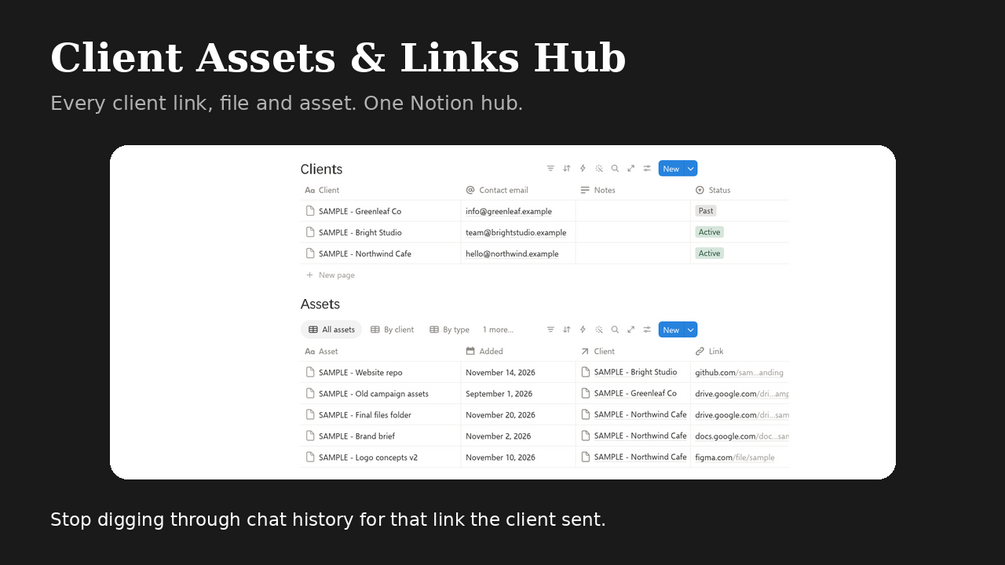
Every client file, link and deliverable in one place, no more digging through chats.
View on Gumroad →Best value
All four templates, each built around the same freelance workflow. Bought separately they cost $39.
Checkout gives you a duplicate link and a short start guide. Click it, and the full template lands in your Notion.
Inside the CRM, mark an invoice paid and the client's outstanding total drops to zero. In Expenses, add an expense and it files itself under its project and tax category.
Pay once, keep it forever. Everything runs inside your own Notion account, on the free plan.
Custom work
I design custom Notion setups for freelancers and small teams: client portals, project trackers, content pipelines. The surest way to reach me is through Gumroad, where the reply-to on any purchase receipt lands directly in my inbox. Tell me what you track today and what you want automated, and we can go from there.
Visit my Gumroad storeQuestions
Right after checkout, Gumroad gives you a duplicate link. One click copies the full template into your own Notion account.
No. Every template works on Notion's free plan, on desktop and mobile.
Yes it's your copy. Rename fields, add views, recolor anything. The systems are built from standard Notion blocks.
Message me through the Gumroad store and I'll help you get it working.